Circuit design software is used to draw electronic schematics, design printed circuit boards (PCBs) and prepare manufacturing files. Some tools are completely free and open source, while others are paid tools for professional use. In this article we list the most widely used PCB design programs with their features, skill levels and official download links.
For your circuit and board design projects, you can get professional electronic circuit design support or start learning yourself with the programs below.
Circuit Design Software Comparison Table
| Program | Licence | Platform | Level |
|---|---|---|---|
| KiCad | Free, open source | Windows, macOS, Linux | Beginner – Professional |
| EasyEDA | Free | Web, Windows, macOS, Linux | Beginner – Intermediate |
| Altium Designer | Paid (student licence available) | Windows | Professional |
| DipTrace | Paid (limited free version) | Windows, macOS | Beginner – Professional |
| Proteus | Paid | Windows | Education – Intermediate |
| DesignSpark PCB | Free | Windows | Beginner – Intermediate |
| Fritzing | Low cost, open source | Windows, macOS, Linux | Beginner / Hobby |
KiCad
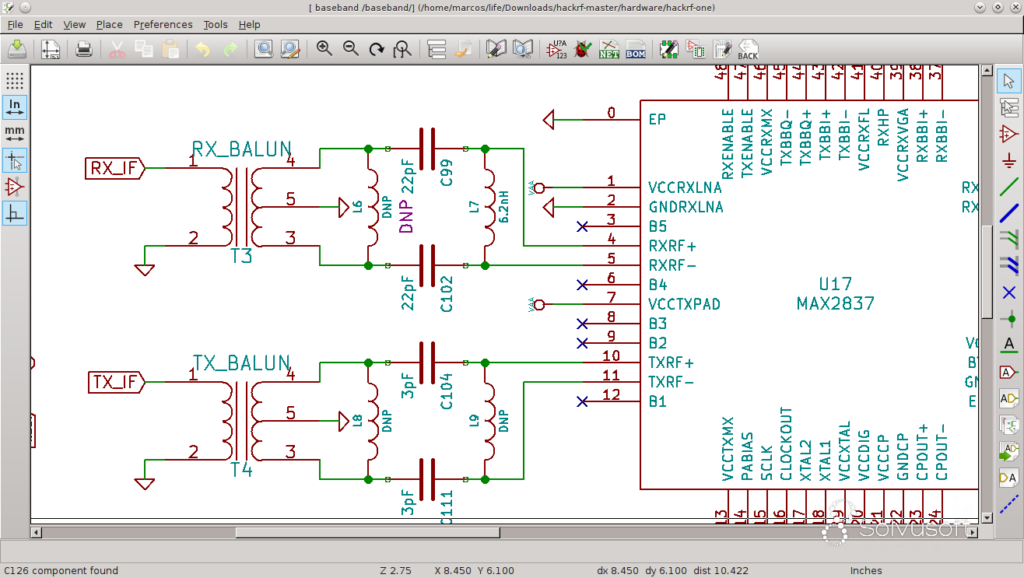
KiCad is an open-source, completely free circuit design program. It offers professional features such as schematic capture, multi-layer PCB design, 3D viewing and Gerber output without limits. Its interface has improved considerably in recent versions, making it a powerful choice for students and professionals alike. Library management may take a little getting used to at first.
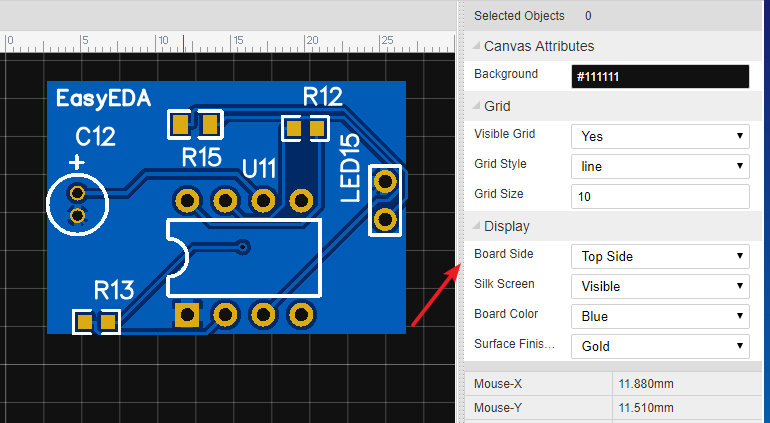
EasyEDA
EasyEDA is a free circuit design program that runs in the browser with no installation required; a desktop version is also available. It has a large online component library and makes it easy to send designs straight to PCB manufacturing. It is one of the quickest programs for beginners to learn.
Altium Designer
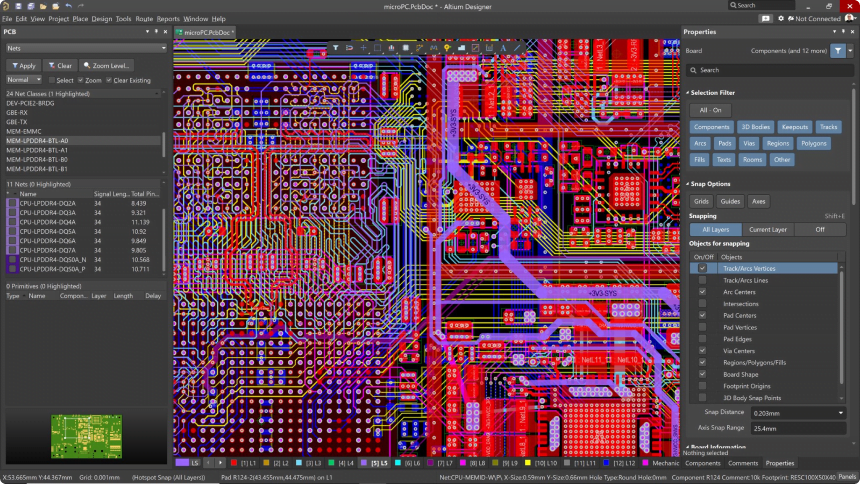
Altium Designer is one of the most widely used professional PCB design tools in industry. It offers comprehensive features such as high-speed design, multi-layer boards, rigid-flex PCBs and advanced design rule checking. It is paid software, but an educational licence programme is available for students.
DipTrace
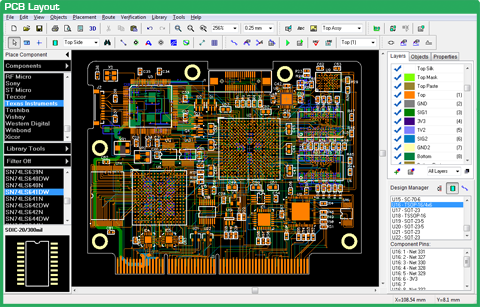
DipTrace stands out for its easy interface and affordable price. It offers fast switching between schematic and board design, autorouting and 3D preview. The free version, limited in pin count and to two signal layers, is sufficient for small projects.
Proteus
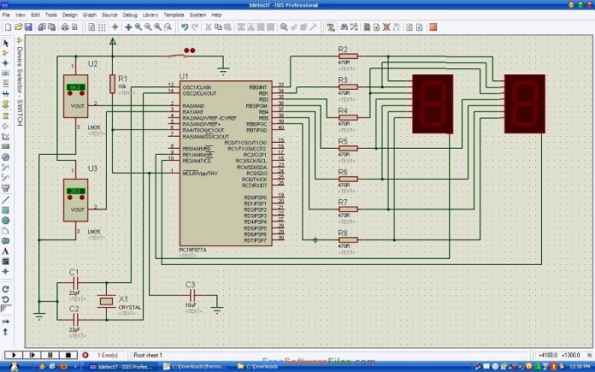
As well as schematic capture and PCB design, Proteus is known for its powerful circuit simulation. Its ability to simulate microcontroller circuits together with their firmware makes it very popular in education. Older versions consist of the ISIS (schematic) and ARES (PCB) modules.
Proteus (Labcenter) official website
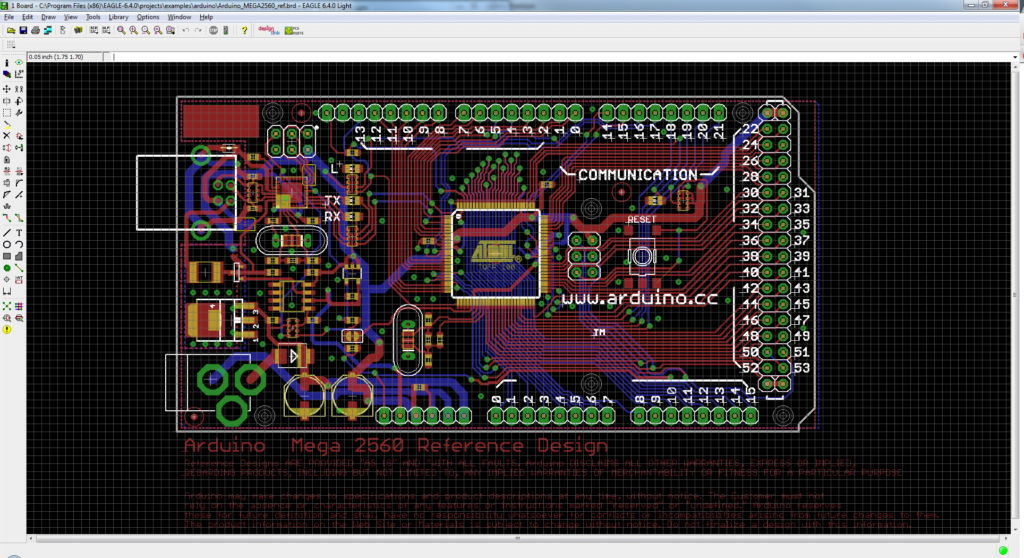
Autodesk EAGLE
For many years EAGLE was one of the most popular programs among hobbyists and professionals – many Arduino boards were designed in EAGLE. However, Autodesk has ended the sale and support of EAGLE and directs users to the electronics design tools in Fusion. If you are starting new projects, current alternatives such as Fusion Electronics or KiCad are recommended. Existing EAGLE files can be imported into KiCad and Fusion.
Autodesk Fusion official website
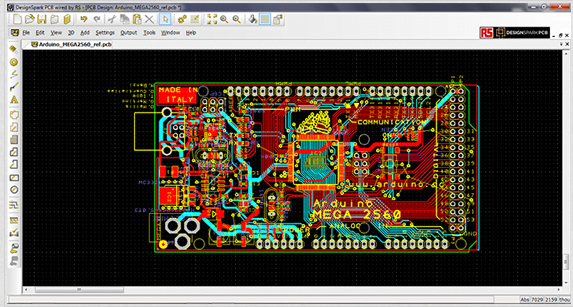
DesignSpark PCB
DesignSpark PCB is free design software from RS Components. Its main advantages are no board size limit and a large component library. It is easy to learn and suitable for small to medium projects.
DesignSpark PCB official website
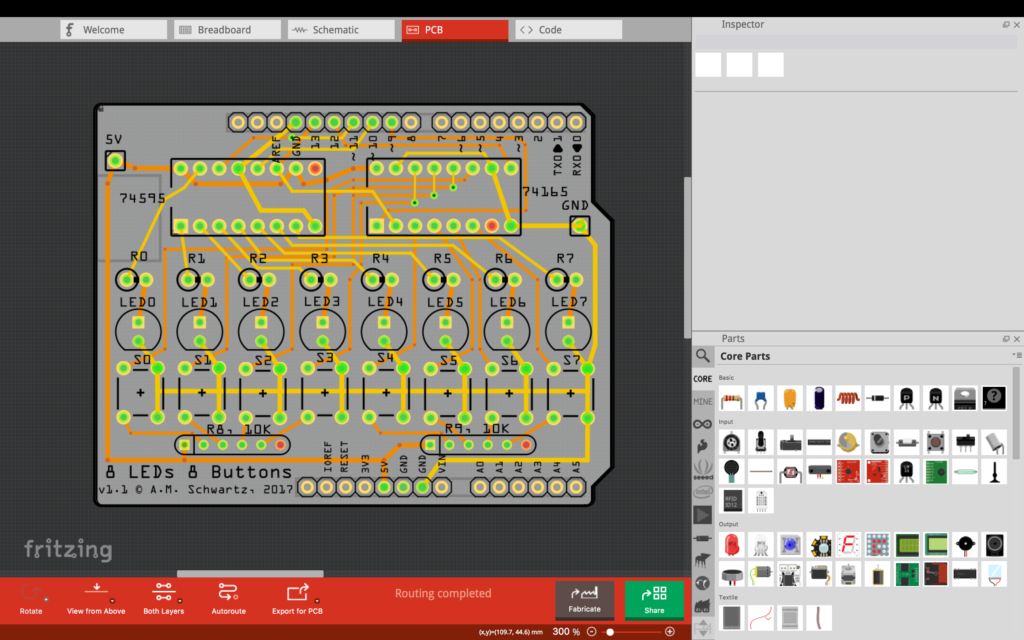
Fritzing
Fritzing is an open-source program that visualises circuit building with a breadboard view. Ideal for Arduino and hobby projects, it lets you switch between breadboard, schematic and PCB views. It can be downloaded from the official website for a small fee.
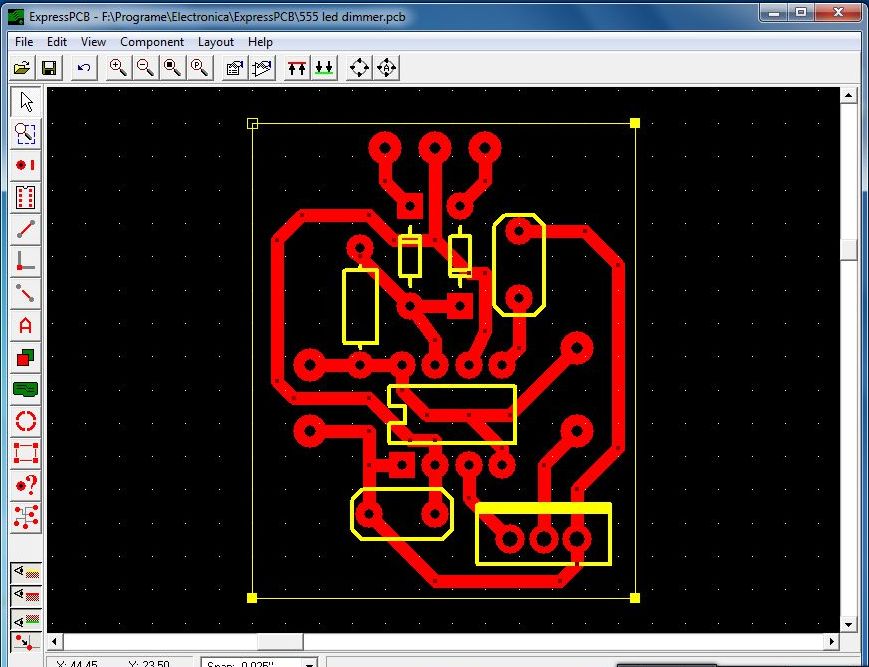
ExpressPCB
ExpressPCB is a free program developed for quickly drawing simple boards. Its easy interface lets beginners start designing in no time, but its manufacturing files are mainly compatible with its own fabrication service.
GC-Prevue (Gerber Viewer)
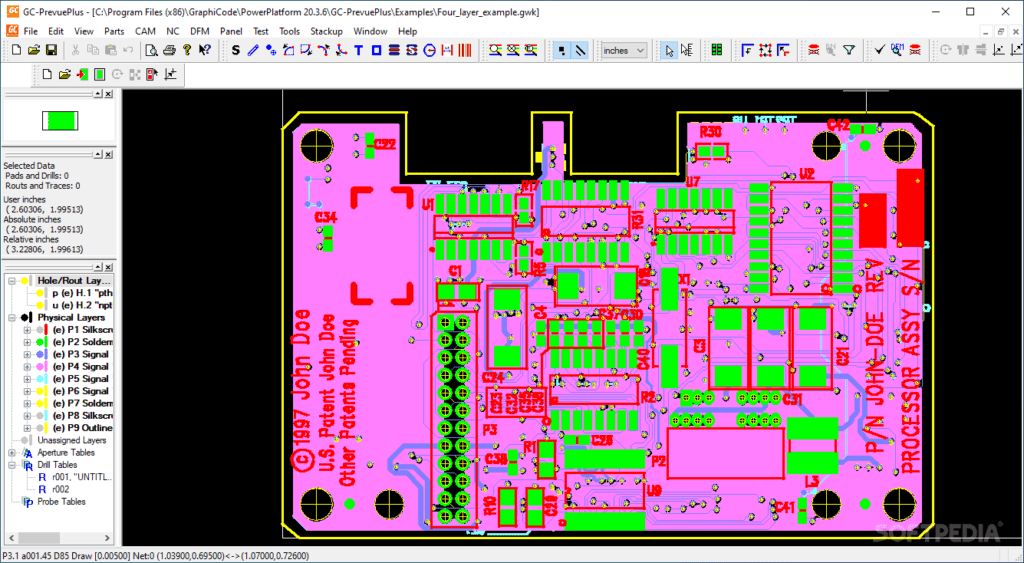
GC-Prevue is not a design program but a free Gerber viewer. It is used to open the Gerber files to be sent for manufacturing, check layers and take measurements – very useful for a final check before board production.
Other Circuit Drawing Programs
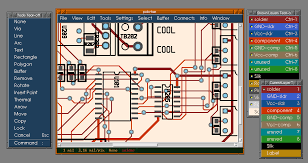
The following programs are older or platform-specific tools. They can still be useful for simple projects or opening old files:
- gEDA: An open-source suite of schematic and PCB tools developed for GNU/Linux.
- TinyCAD: A free, open-source, lightweight Windows program focused on schematic drawing only.
- ZenitPCB: A free, simple PCB layout tool for Windows.
- PCBWeb: A free, basic schematic and PCB design application for Windows.
- Osmond PCB: A simple PCB design tool developed for macOS.
- BoardMaker: One of the oldest PCB drawing programs; today used only for legacy projects.
Which Circuit Design Software Should You Choose?
- If you are just starting out: Begin with EasyEDA or KiCad.
- For hobby and Arduino projects: Fritzing or EasyEDA.
- If simulation matters: Proteus.
- For professional and volume production projects: Altium Designer, KiCad or DipTrace.
Whichever program you choose, lay out your board according to EMC rules so your product does not run into problems at the testing stage. See the PCB tips in our article on the difference between EMC and EMI.
Frequently Asked Questions
What is the best free circuit design software?
KiCad is most often recommended for its features and unlimited use, and EasyEDA for its easy start.
What is a Gerber file in PCB design software?
Gerber is the standard manufacturing file format that defines each layer of the board and is sent to the manufacturer.
Can EAGLE still be used?
Existing installations may still work, but as Autodesk support has ended, switching to current alternatives for new projects is recommended.
Conclusion
Today, the most widely used circuit design programs are Altium Designer, KiCad, EasyEDA and DipTrace. Starting with EasyEDA or KiCad and moving to professional tools as your needs grow is a good roadmap. If you need circuit or PCB design support for your project, contact us.